Compare ReverseFaceSearch with other search tools
Not every reverse image search tool is built for people search. Not every people search tool can search by face. And not every face search tool is strong enough to rely on.
The right search tool depends on what you know and need
Some tools focus on exact image matches. Others focus on public records, background-style lookup, or general visual search. ReverseFaceSearch is different. It is built for face-first discovery, helping you search by photo, find public social profiles, and connect a face to public online sources.
Google Images vs ReverseFaceSearch
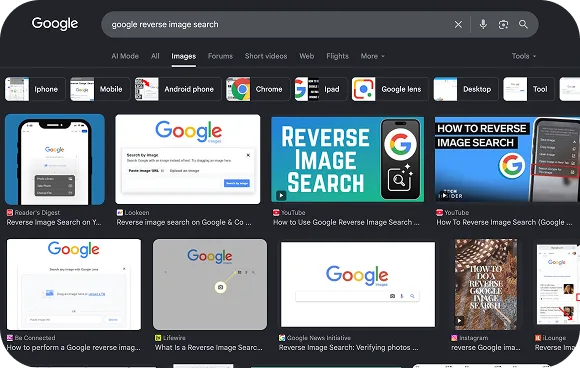
Google Images and Google Lens are useful for broad visual search, products, places, and exact image matches. ReverseFaceSearch is built for people search by photo, face-focused discovery, public profile lookup, and public-record context.
TinEye vs ReverseFaceSearch
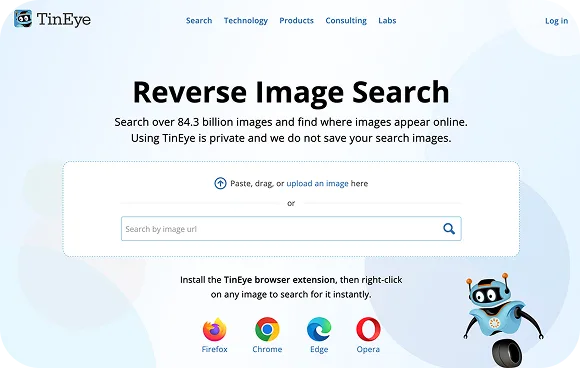
TinEye is useful for finding copies or modified versions of the same image. ReverseFaceSearch goes beyond exact image matching by focusing on faces, public profiles, and people-search signals.
PimEyes vs ReverseFaceSearch
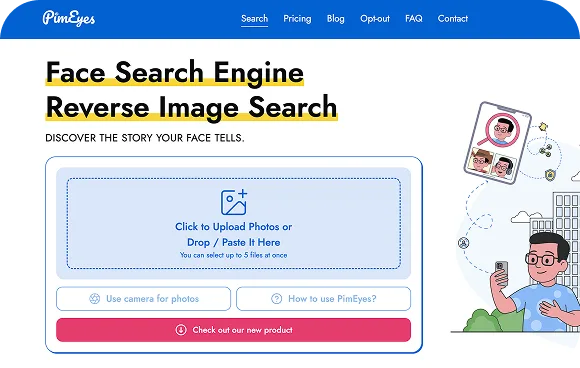
PimEyes is known for open-web face image search. ReverseFaceSearch is especially strong for face search, social profile discovery, and public-record context from a photo.
Spokeo vs ReverseFaceSearch
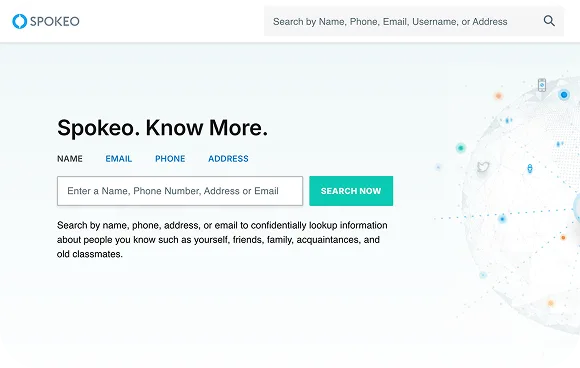
Spokeo is a people-search and data broker tool built around names, phone numbers, emails, and addresses. ReverseFaceSearch adds what Spokeo does not provide: face search from a photo.
SocialCatfish vs ReverseFaceSearch
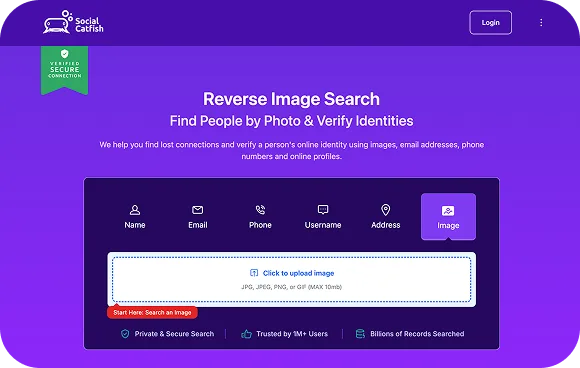
SocialCatfish offers broad identity lookup by photo, phone, email, username, name, or address. ReverseFaceSearch is better when the face is the main clue and you need photo-first discovery across public sources.
FaceCheck ID vs ReverseFaceSearch
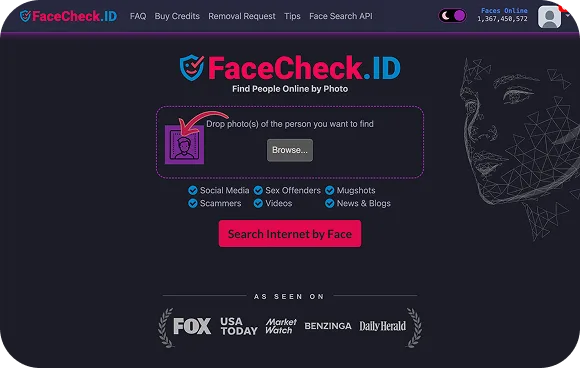
FaceCheck ID focuses on face search and identity checks. ReverseFaceSearch combines face search, public social profile discovery, public records, and a broader search orchestration approach.
Bing Images vs ReverseFaceSearch
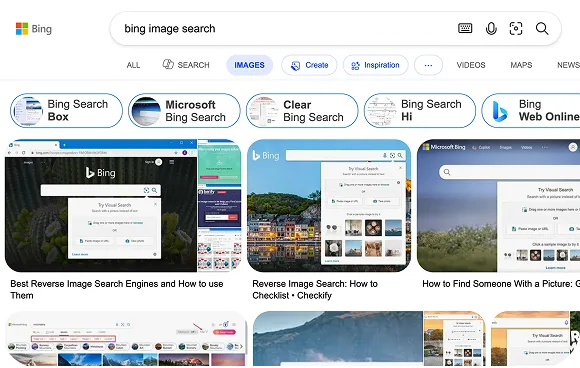
Bing Images and Bing Visual Search can help identify objects, similar images, and some public visual content. ReverseFaceSearch is a stronger fit when your goal is to search for a person, verify an identity, or find where a face appears online.
ProFaceFinder vs ReverseFaceSearch

ProFaceFinder is useful when you want to check whether a photo appears in indexed public image results. ReverseFaceSearch goes further for identity-focused searches by helping users move from a face to public profiles, records, mugshot-related sources, criminal-record context, and sex offender registry data.
Reversely AI vs ReverseFaceSearch
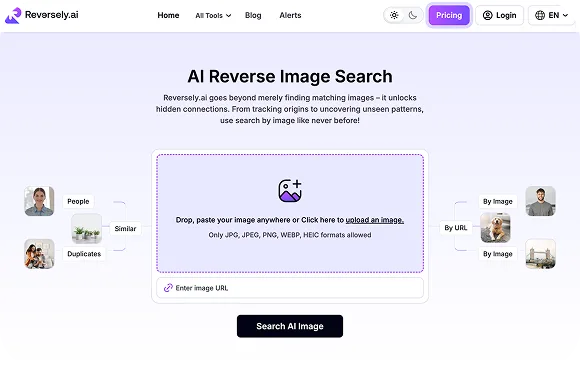
Reversely AI is more focused on reverse image search utilities, including AI image detection and face detection. ReverseFaceSearch is built for people discovery: finding where a person appears online, uncovering public social profiles, and giving users more context from a single face photo.
Why choose ReverseFaceSearch?
ReverseFaceSearch is built for photo-first people search. Instead of only finding exact image copies or requiring a name, phone number, email, or address, ReverseFaceSearch helps you start with a face and discover useful public identity context.
It combines face-focused search, reverse image matching, public social profile discovery, public-record context, its own search index, and third-party search orchestration. That makes ReverseFaceSearch a stronger choice when you need to verify someone, check a suspicious profile, investigate possible catfishing, or find where a person appears online from a single photo.